
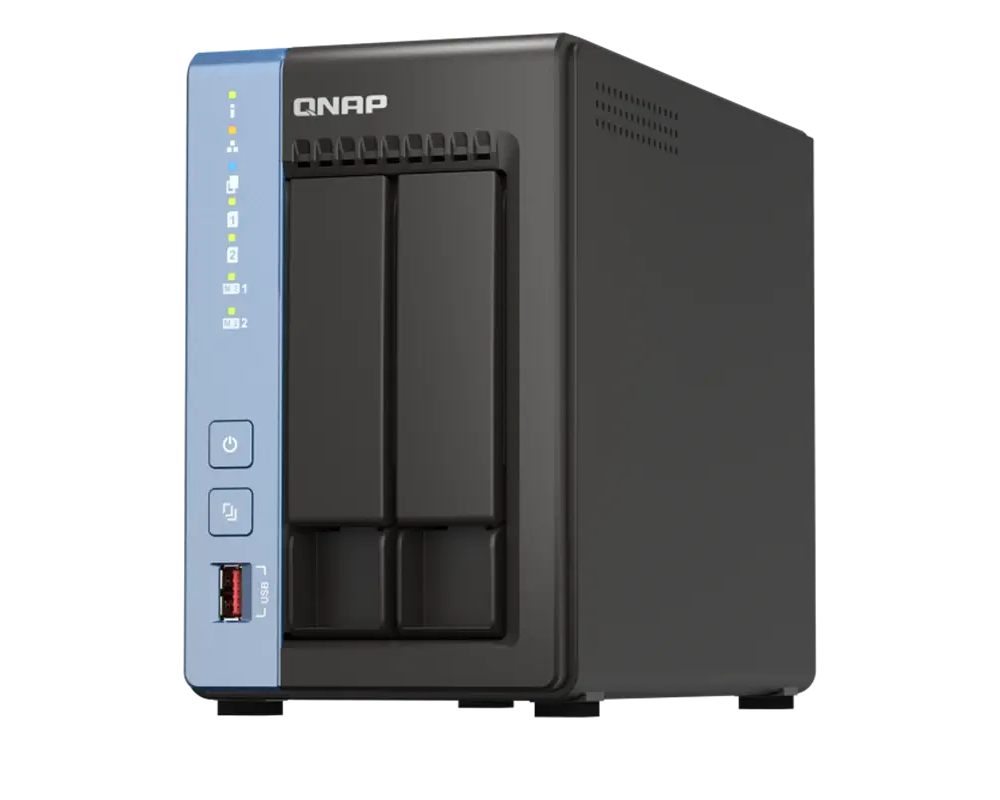
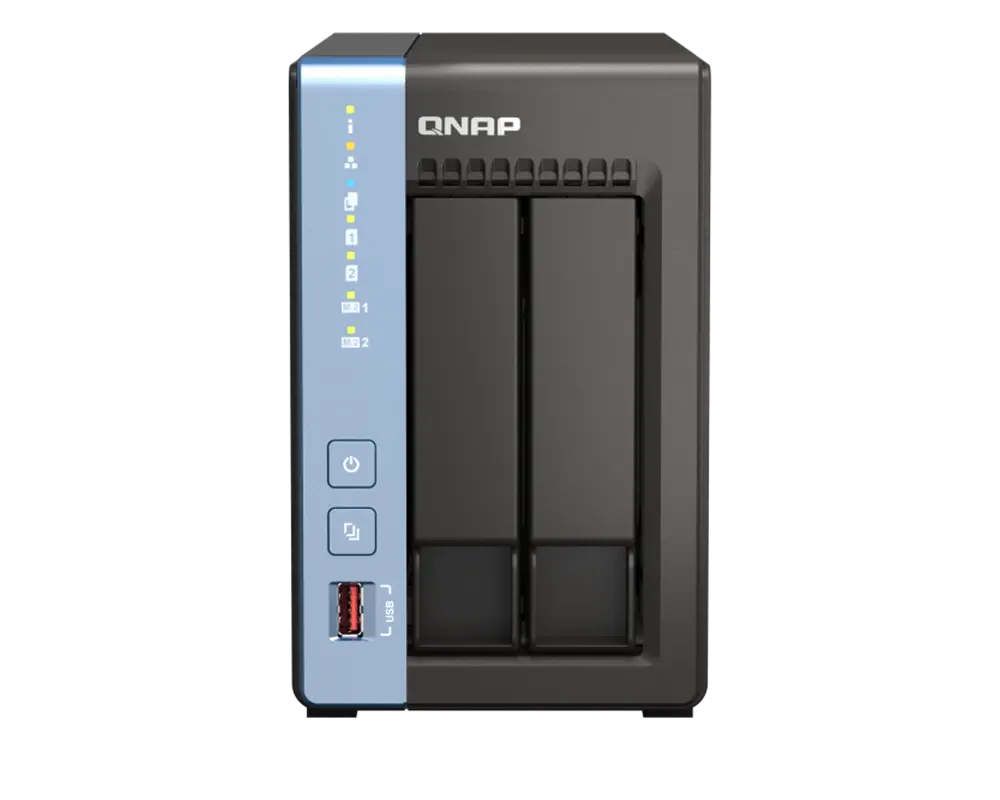
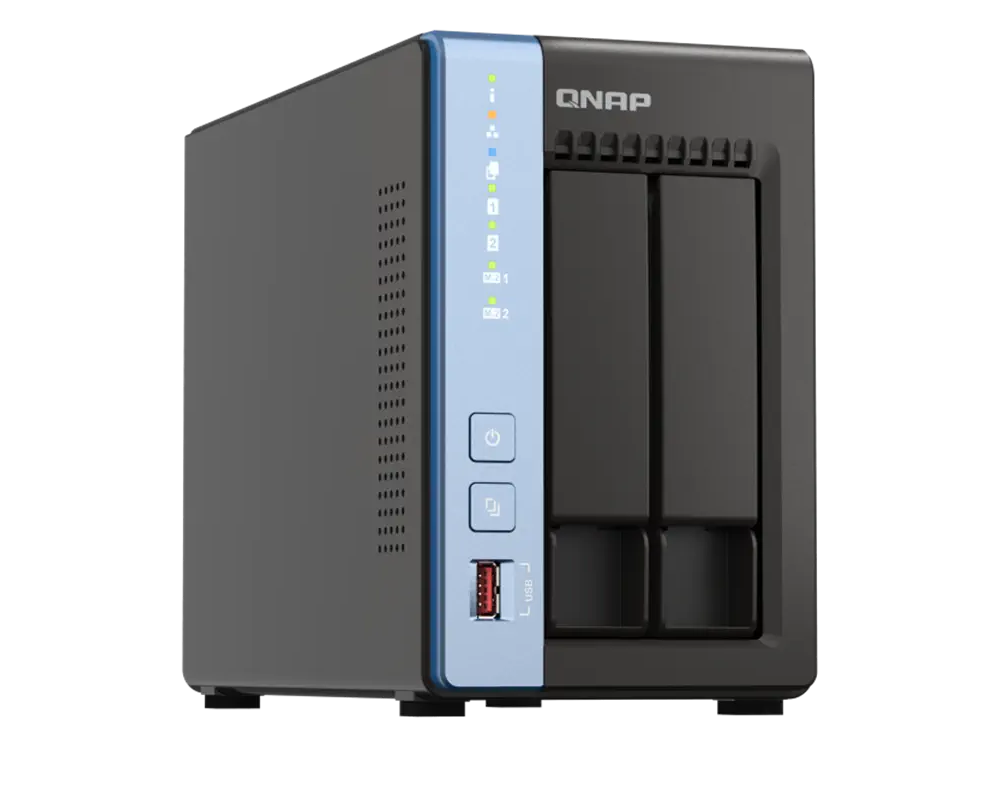
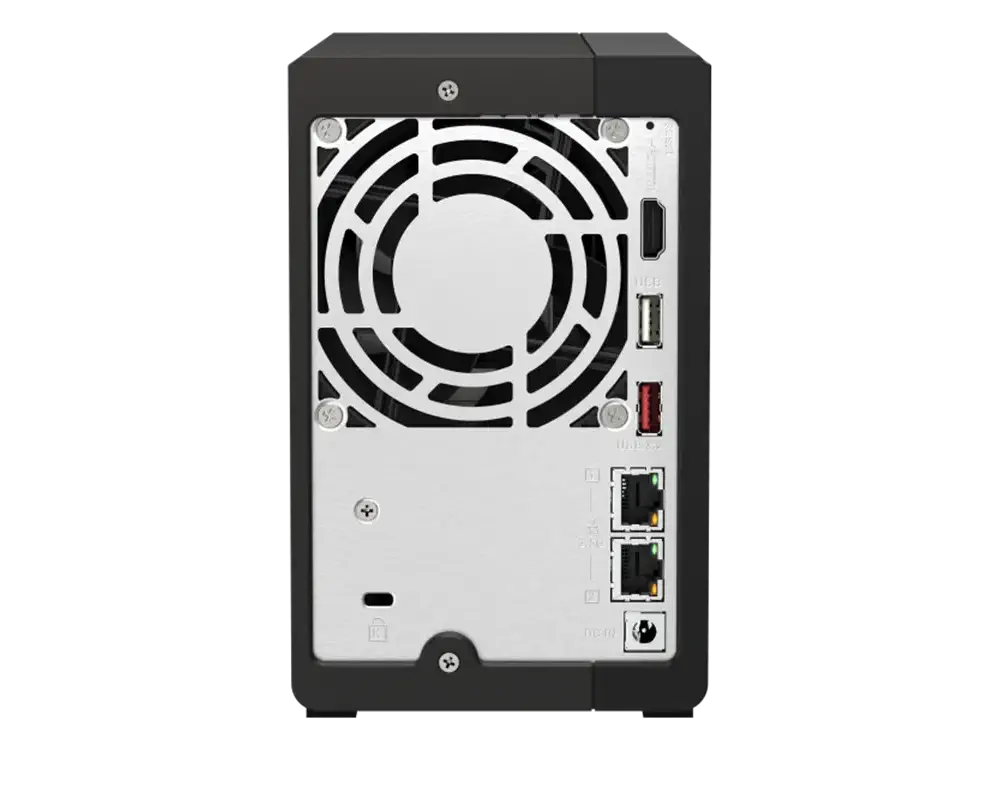
QNAP TS216 A55 4core 4G 2bay
2,000 ¥ & Free Shipping
Description
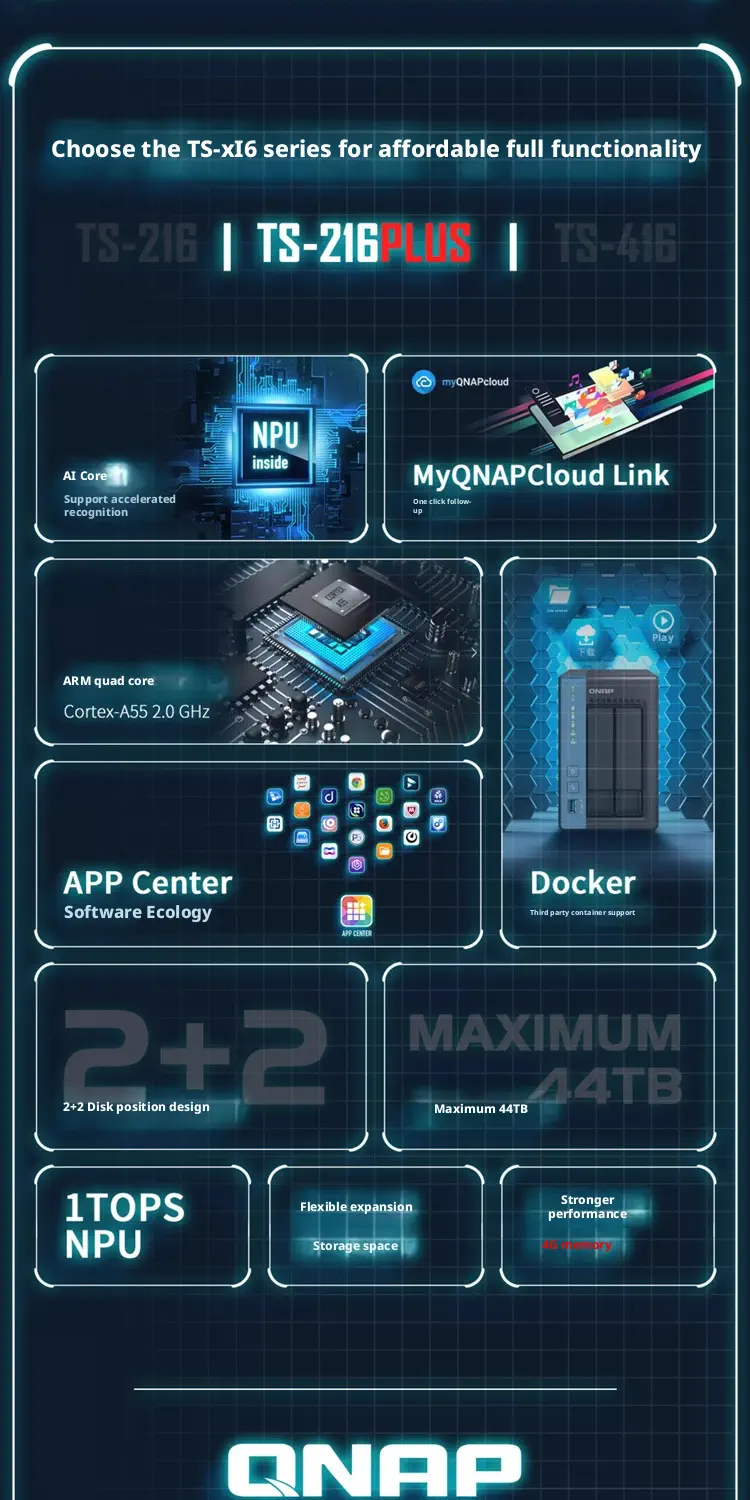
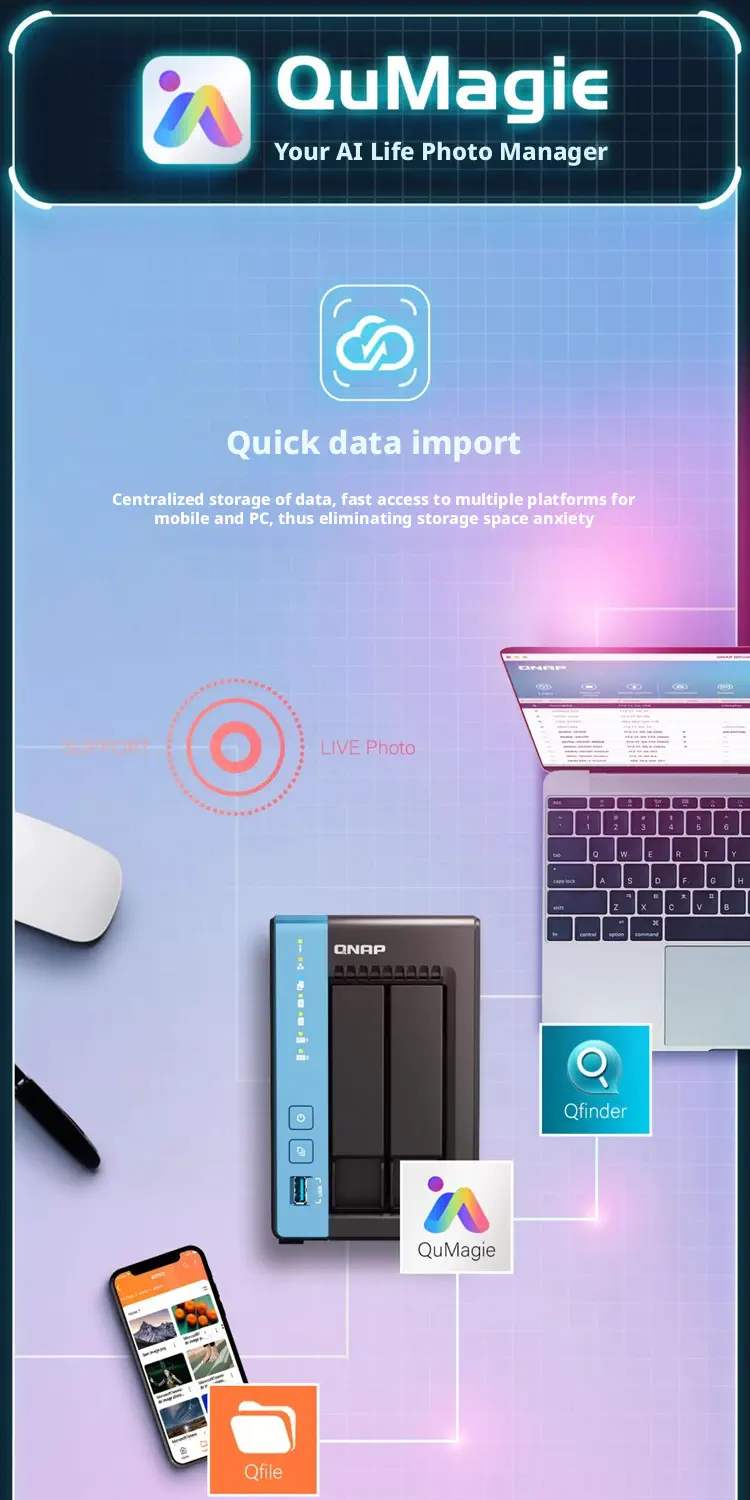
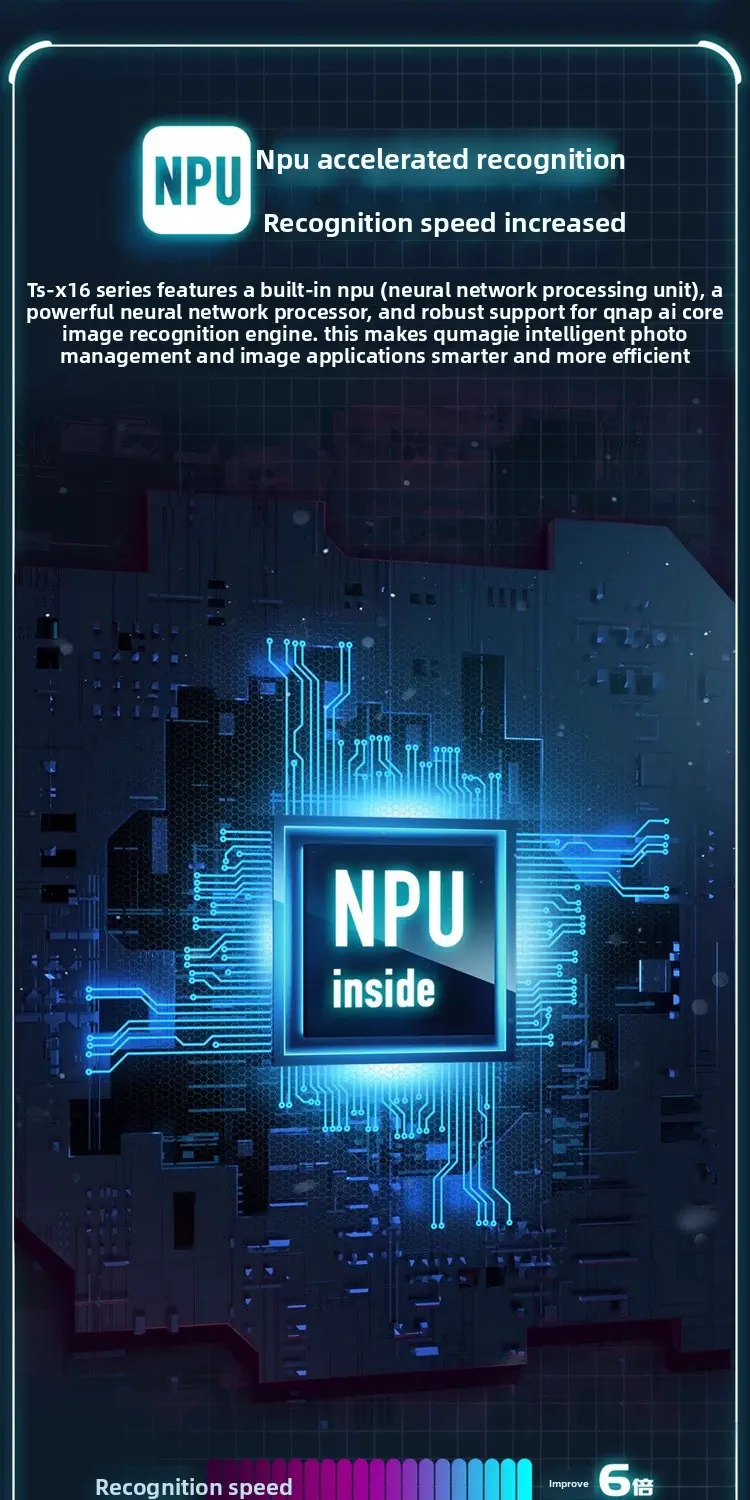
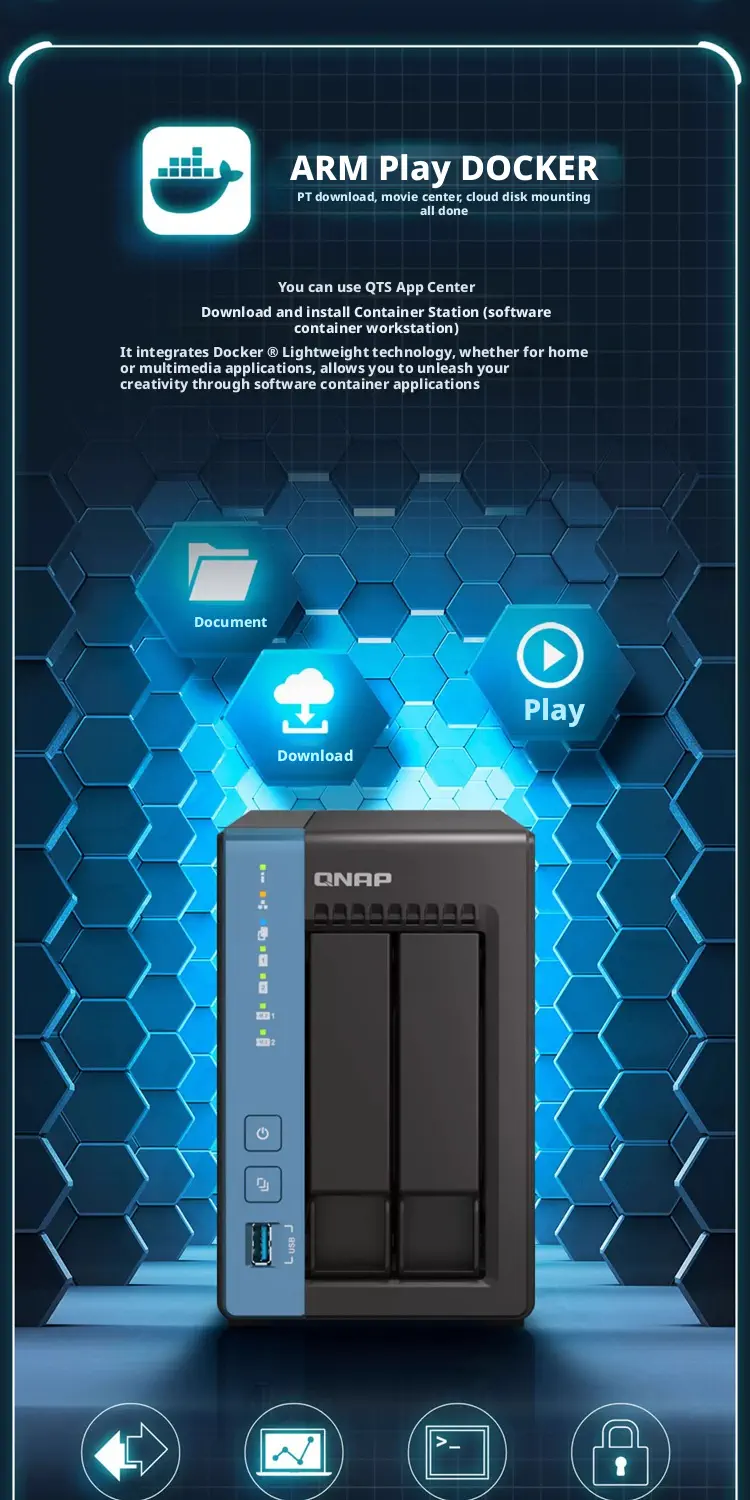
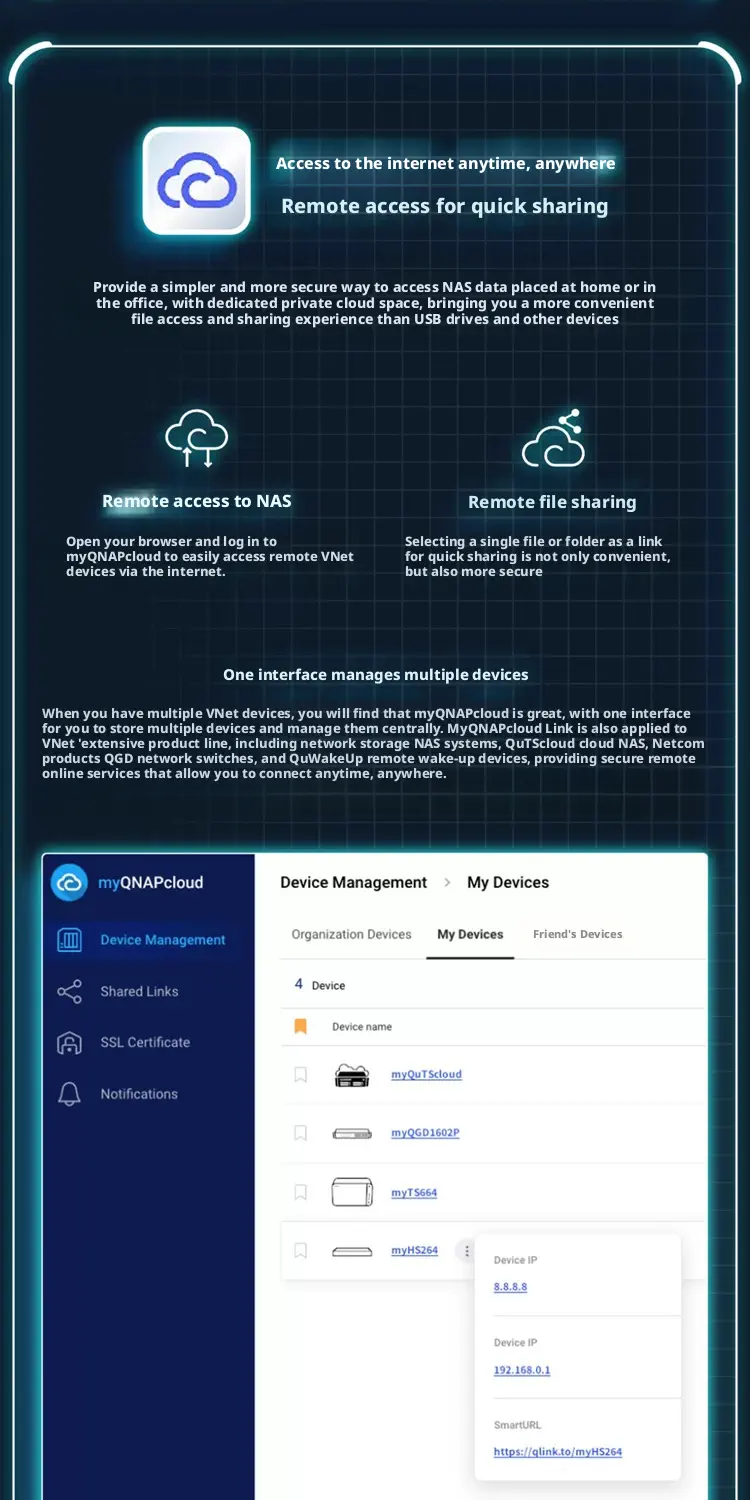
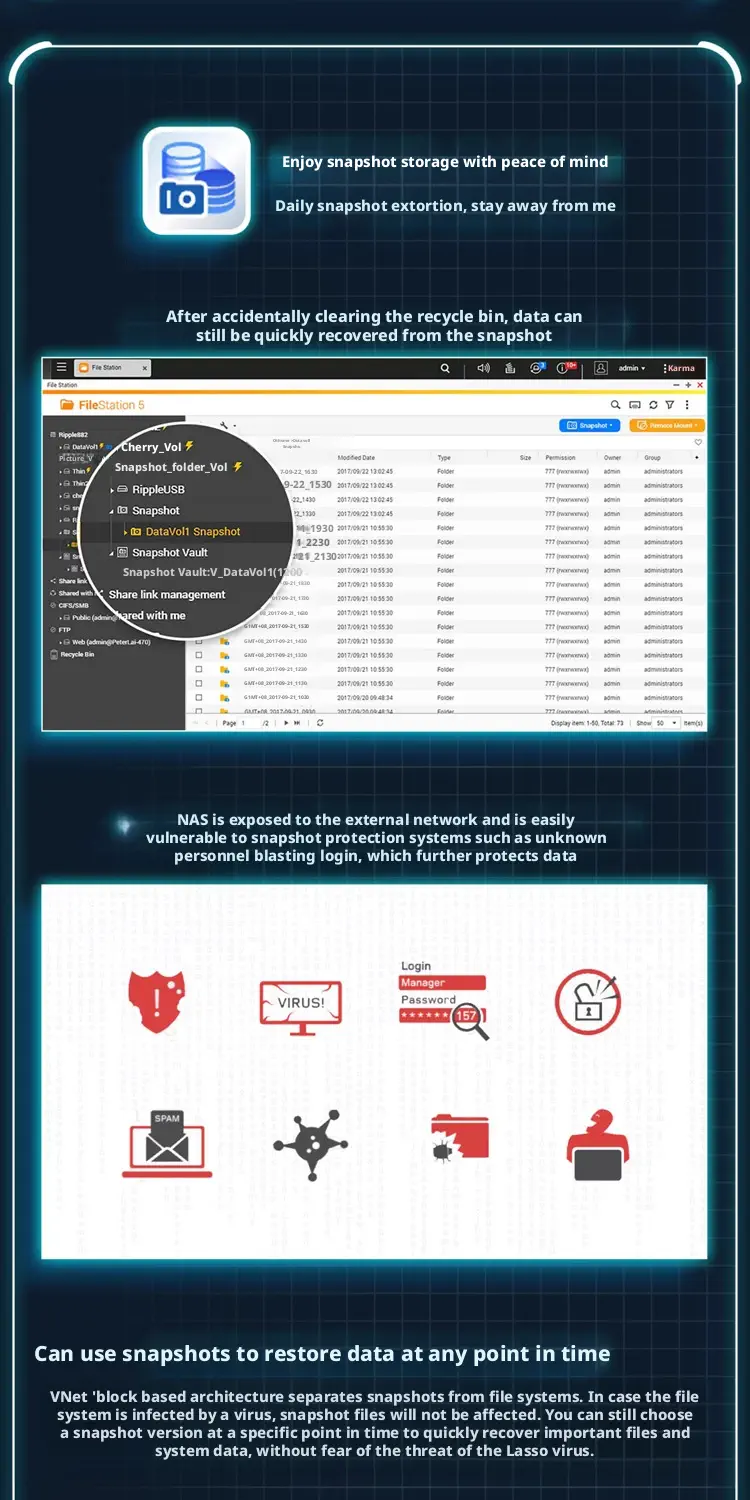
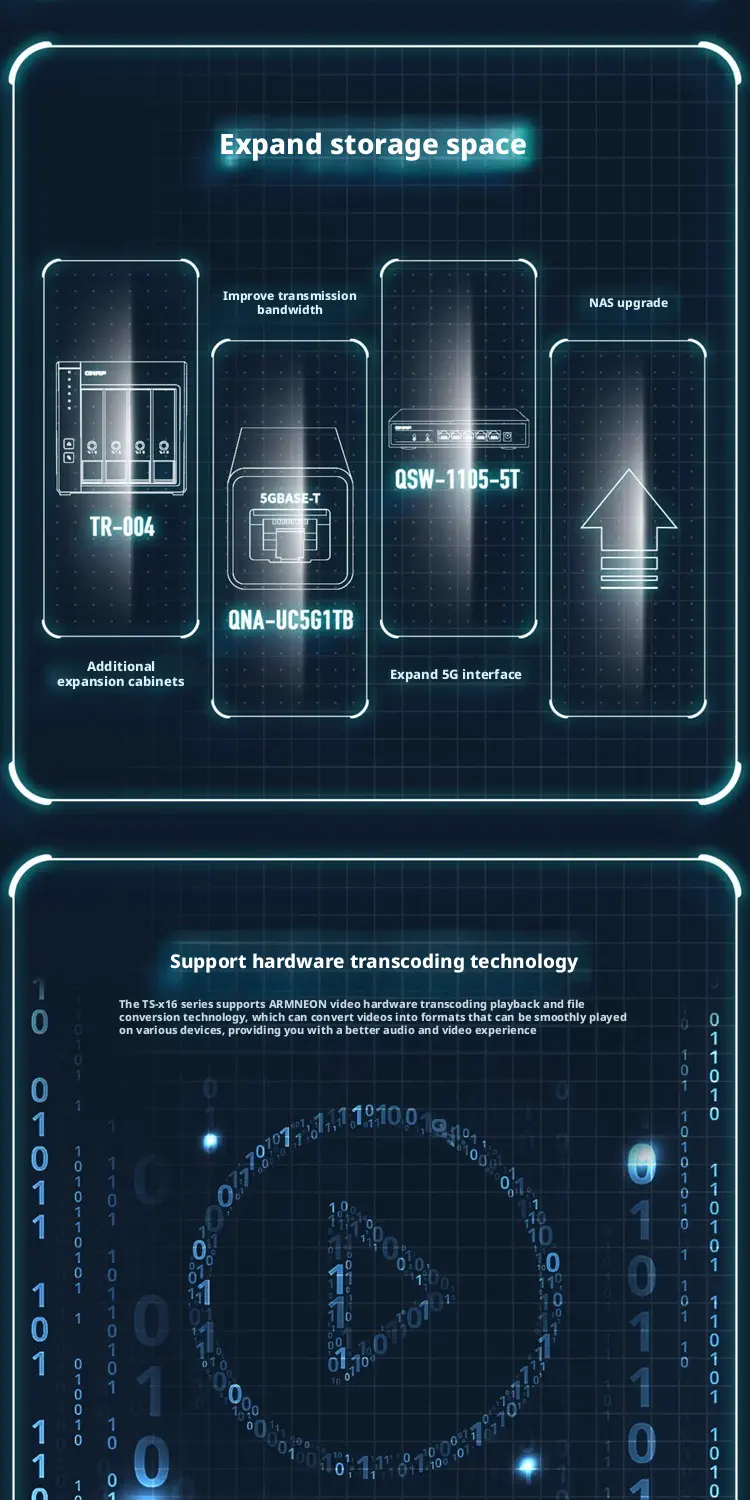
Ever-growing files scattered across various devices can be a real hassle. You need a centralized file management hub with convenient storage and easy access. The cost-effective, versatile, lightweight, and energy-efficient TS-216 is the ideal entry-level NAS. Its quad-core processor, running up to 2.0 GHz, outperforms other comparable NAS models. Centrally store and back up all your files on the TS-216, enjoying convenient file access, synchronization, and sharing. The practical snapshot function protects important files and precious memories. It can also create a family entertainment hub, allowing you to stream photos, music, and videos to multiple devices for seamless enjoyment. Beyond your laptop or smartphone, the TS-216 NAS is a premium tool you should own, saving you time managing files and making your work and life more enjoyable.

Additional information
| Operating System | QTS 5.2.6 |
|---|---|
| Supported Languages | Chinese (Traditional & Simplified), Czech, Danish, Dutch, English, Finnish, French, German, Greek, Hungarian, Italian, Japanese, Korean, Norwegian, Polish, Portuguese (Brazil), Romanian, Russian, Spanish, Swedish, Thai, and Turkish |
| Dimensions (H x W x D) | 182.88 × 106.68 × 220.98 mm |
4 reviews for QNAP TS216 A55 4core 4G 2bay
| 5 star | 75% | |
| 4 star | 25% | |
| 3 star | 0% | |
| 2 star | 0% | |
| 1 star | 0% |
Related products
-

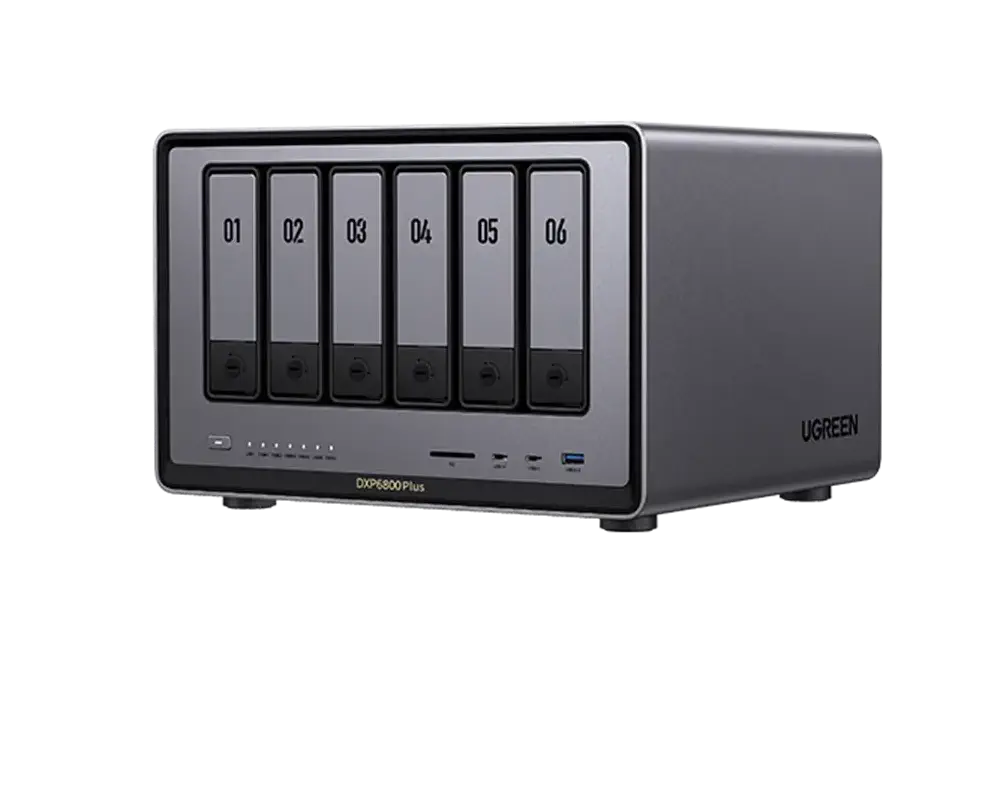
UGREEN DXP6800 6bay
Price range: 6,000 ¥ through 8,000 ¥Select options This product has multiple variants. The options may be chosen on the product page -
-
Sale!
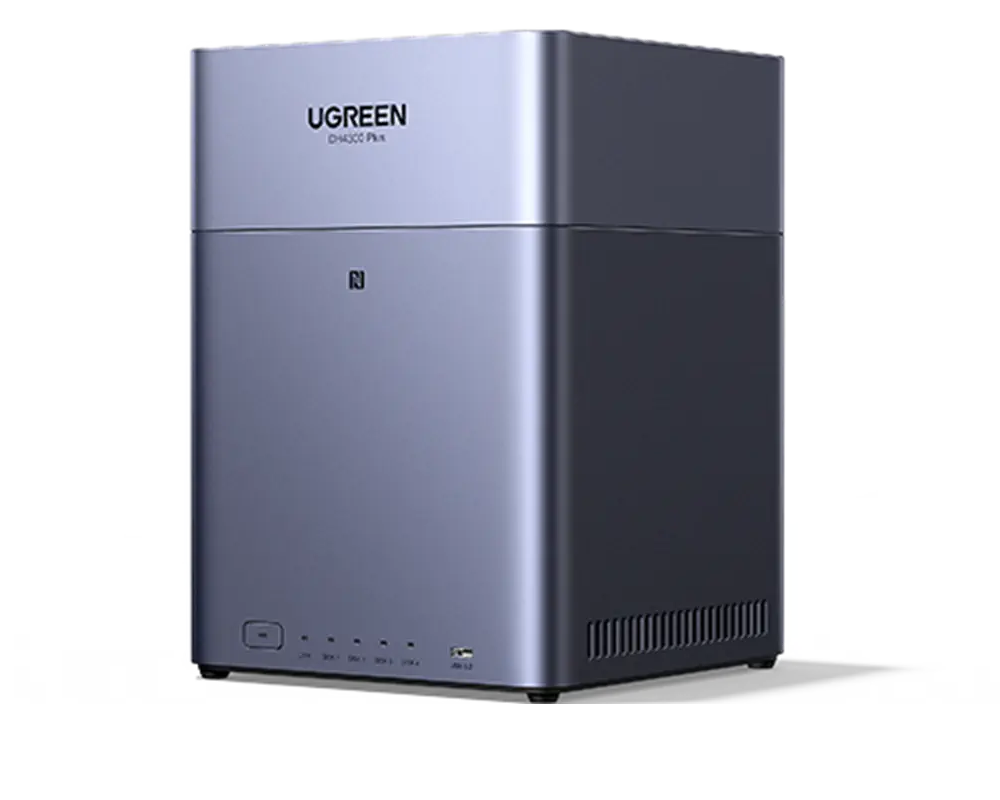
UGREEN DH4300PLUS A55-76 8core 8G 4bay
Original price was: 2,250 ¥.2,050 ¥Current price is: 2,050 ¥. -
NASBOOST n41 N150 4 core 8G 4bay
Price range: 3,200 ¥ through 4,100 ¥Select options This product has multiple variants. The options may be chosen on the product page
Junchoon Tam –
This NAS is perfect for home use. It supports two SSDs and two 3.5-inch HDDs.
I mainly use it to back up photos from my phone; with a baby, I can save all sorts of photos and videos.
I waited in Malaysia for 8 days.
Lilyandy Dr –
This is my second QNAP machine. This one comes with two SSD slots, making it essentially a four-bay machine, which is great.
I bought a 512GB SSD to use as the system drive and also as a download drive. The advantage of this is that the machine operates very quietly, unlike my old mechanical hard drive which made a popping noise even in standby mode.
The machine is very compact and runs very fast.
Colin Tseng –
Over the past few years, I’ve taken a lot of photos and videos while traveling, all of which were previously stored on my computer. My computer’s 2TB storage is almost full, and I can’t add any more hard drives, so I decided to buy a NAS. The most basic use of a NAS is for storing files. Although many people explore the various uses of a NAS… I only use it to store some files, and I’ve never even set up a RAID array. Compared to a computer, a NAS is much more flexible. Otherwise, I would have to buy another computer… a bunch of hard drives… and find a place to put them… which would be too expensive… so buying an entry-level NAS is really cost-effective.
Natsumi Abe –
Since this was my first time using a NAS, I decided to choose a reputable brand. After looking around for a while, I finally settled on QNAP. It’s easy to use for someone with basic NAS knowledge; the installation videos are very intuitive.