
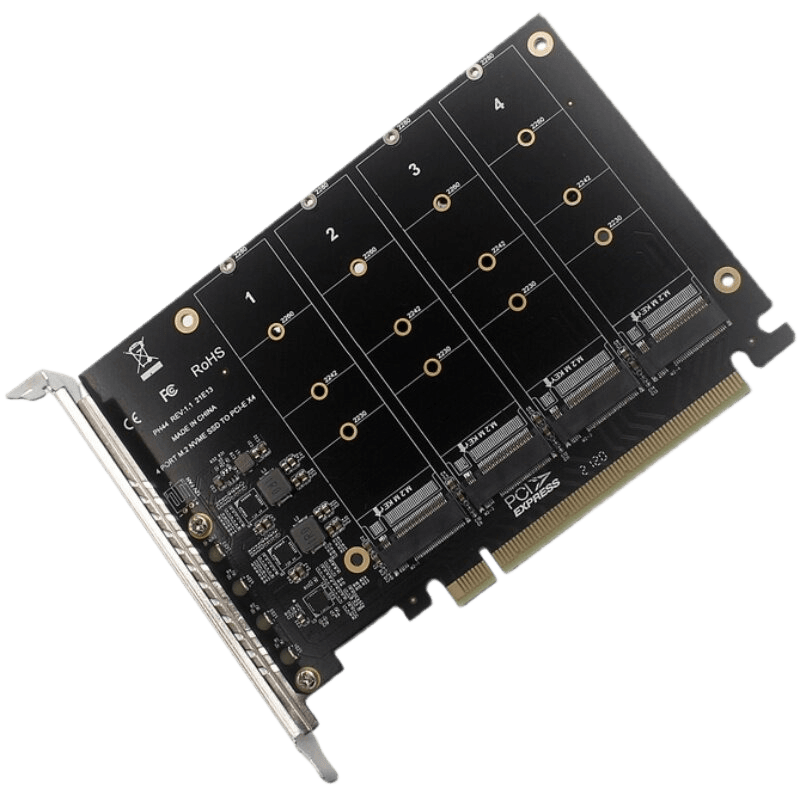
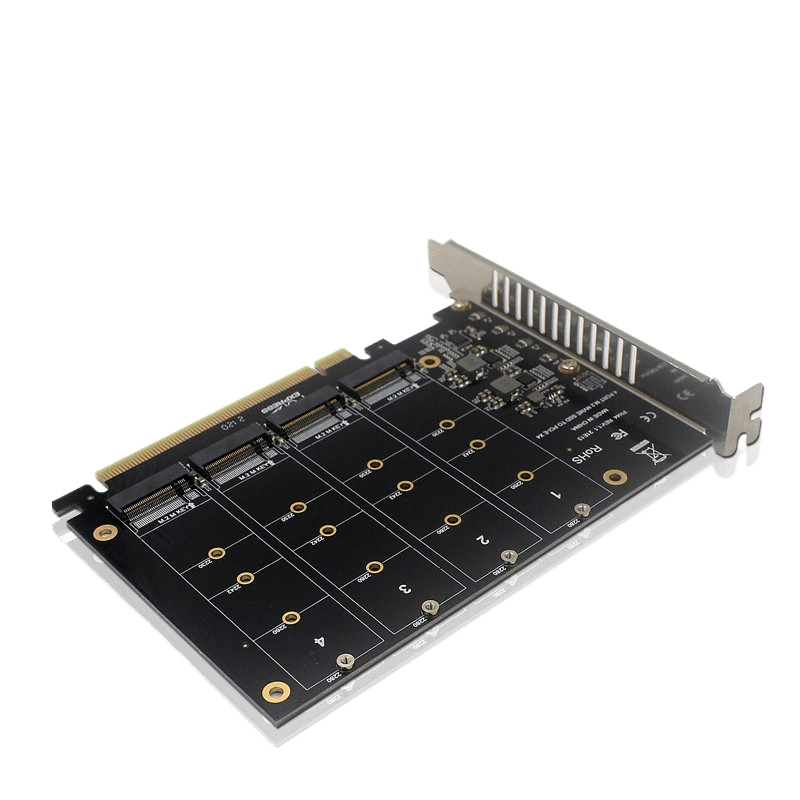
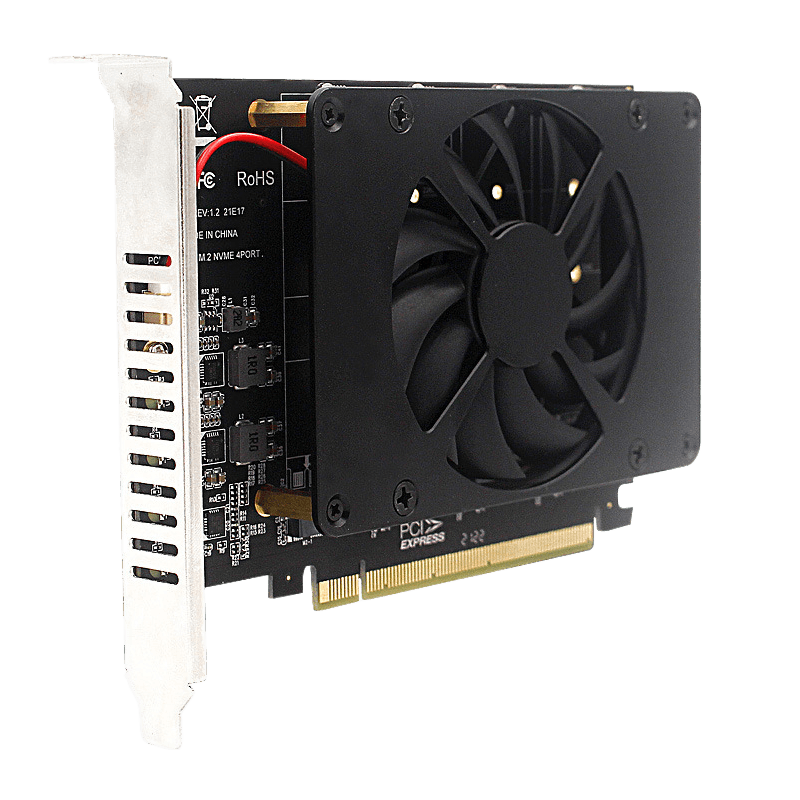
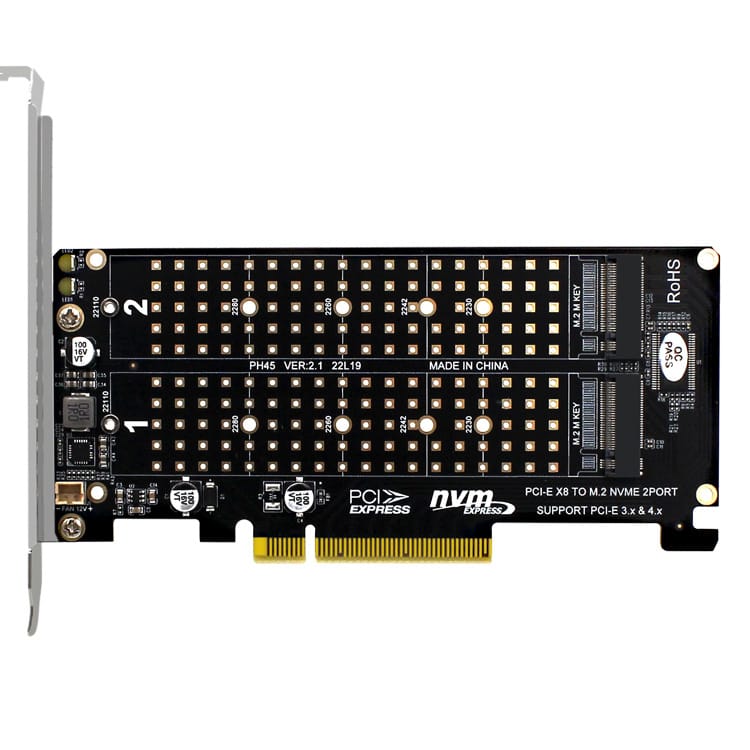
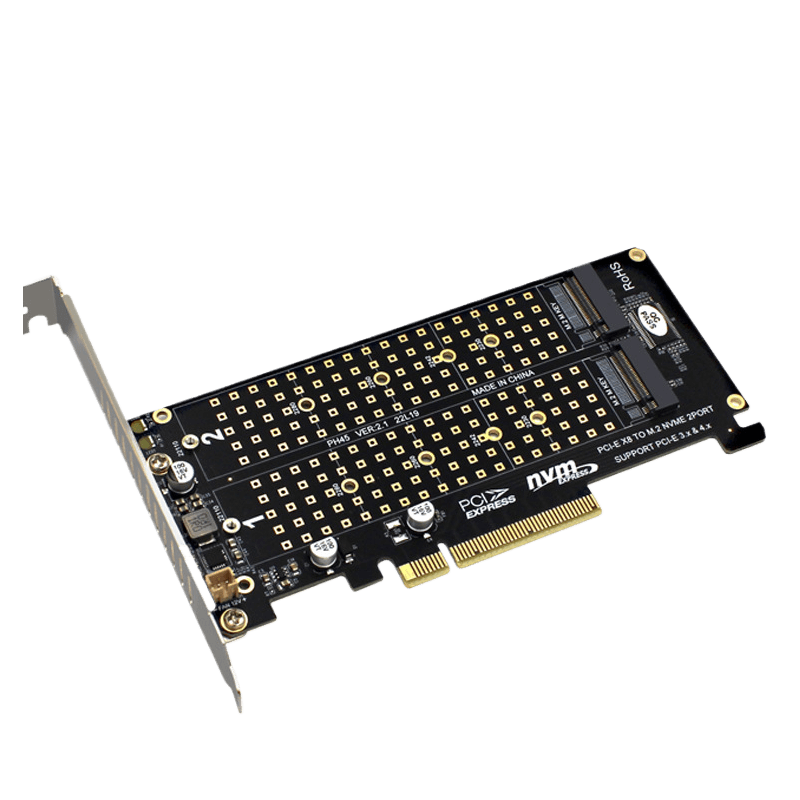
NasBoost CP4M-S Expansion Card | PCIe to M.2 NVMe x 4 Ports | 4x 32Gbps | PCIe Bifurcation Card
$ 32.00
🚚 Free Worldwide Shipping & Local Tax Included
Description
NasBoost CP4M-S Expansion Card | PCIe to M.2 NVMe x 4 Ports | 4x 32Gbps | PCIe Bifurcation Card
Unlock ultimate storage performance with the NasBoost CP4M-S PCIe to M.2 NVMe x 4 Ports expansion card. Engineered for high-speed home labs, intensive data editing workstations, and high-density NAS environments, this card converts a single PCIe X16 slot into 4 independent M.2 NVMe SSD slots. With direct-to-CPU hardware traces, it supports a blazing-fast full-speed signal up to 4x 32Gbps simultaneously, allowing you to establish massive software-defined storage arrays without bottlenecks.
Key Features
- 4x 32Gbps Full-Speed Signal: High-quality PCB engineering guarantees zero-throttling point-to-point bandwidth for each connected M.2 SSD.
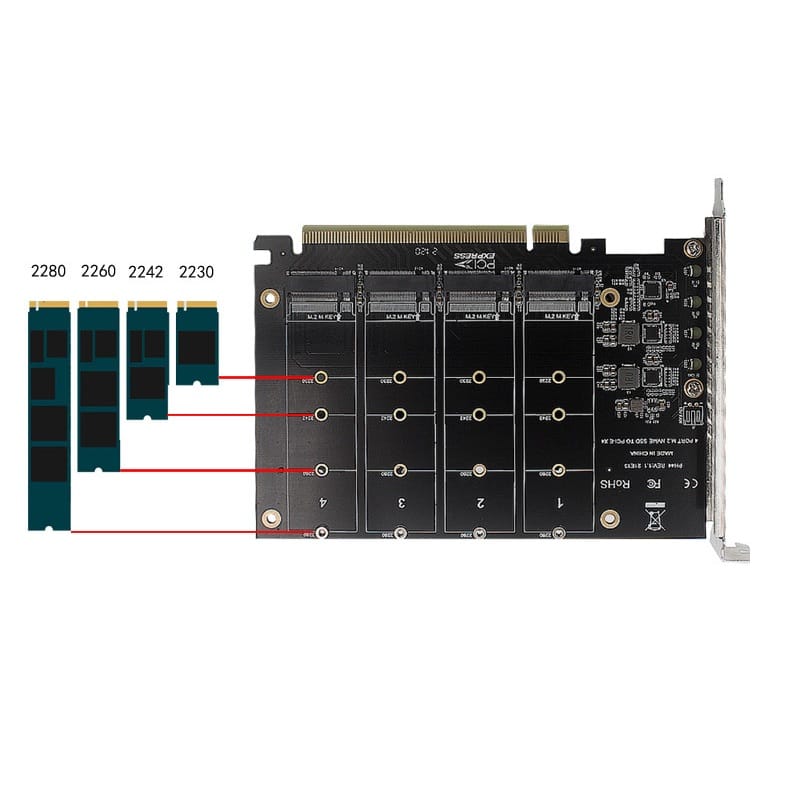
- Universal M.2 Compatibility: Features adjustable mounting positions supporting 2230, 2242, 2260, and 2280 NVMe SSD form factors.
- Soft-Light LED Indicators: On-board diagnostic LEDs stay solidly lit when powered on and flash gently during data read/write cycles.
- Robust Multi-System Support: Seamless integration across Windows, macOS, and Linux kernels without proprietary drivers.
Technical Specifications
| Model | NasBoost CP4M-S |
| Host Interface | PCIe X16 Slot |
| Output Drive Interface | 4 x M.2 NVMe (M-Key) Protocol |
| Max Speed | 4x 32Gbps (Varies by PCIe Gen) |
| Card Dimensions | 143mm x 102mm (Bracket height: 120mm) |
| Weight | 73.6g (Net card with bracket) | 119g (Full package) |
| Package Includes | CP4M-S Card x1, Full Height Bracket x1, Bracket Screws x2, Case Screw x1, M.2 Copper Studs x4, SSD Screws x4, Screwdriver x1 |
⚠️ CRITICAL CRITERIA: Motherboard PCIe Bifurcation Required
Please read carefully before purchasing. This is a passive expansion card that does NOT contain an onboard PLX bridge chip. Recognition of 4 drives depends entirely on your system topology:
- Motherboard Bios Support: Your motherboard MUST support PCIe Lane Bifurcation. You must be able to change your Bios setting for the target slot to X4X4X4X4 or 4X4 mode. If your BIOS only supports X8+X4+X4, it will only detect 3 drives. Without bifurcation support, ONLY ONE drive will be recognized.
- CPU Lane Constraints: Ensure your CPU has enough dedicated PCIe lanes available. Low-end or budget CPUs lack the required lanes to split a full X16 slot into quad-X4 pathways.
- PCIe Lane Sharing: Many motherboards share bandwidth across slots. If your card fails to recognize all 4 drives despite enabling bifurcation, try removing or relocating other high-bandwidth devices (such as discrete GPUs, other expansion cards, or onboard NVMe arrays).
- Compatibility Lists: Server configurations and high-end HEDT platforms (X299, X399, Threadripper) widely support this function. For mainstream consumer boards, please cross-reference official documentation
Additional information
| Weight | 0.02 kg |
|---|---|
| Dimensions | 20 × 15 × 5 cm |
Add a review
 NasBoost CP4M-S Expansion Card | PCIe to M.2 NVMe x 4 Ports | 4x 32Gbps | PCIe Bifurcation Card
Your review
* Review is required
Name
* Name is required
Email
* Email is required
Add photos or video to your review
* Please tick the checkbox to proceed
Q & A
Ask a question
NasBoost CP4M-S Expansion Card | PCIe to M.2 NVMe x 4 Ports | 4x 32Gbps | PCIe Bifurcation Card
Your question
* Question is required
Name
* Name is required
Email
* Email is required
There are no questions yet


Reviews
There are no reviews yet